

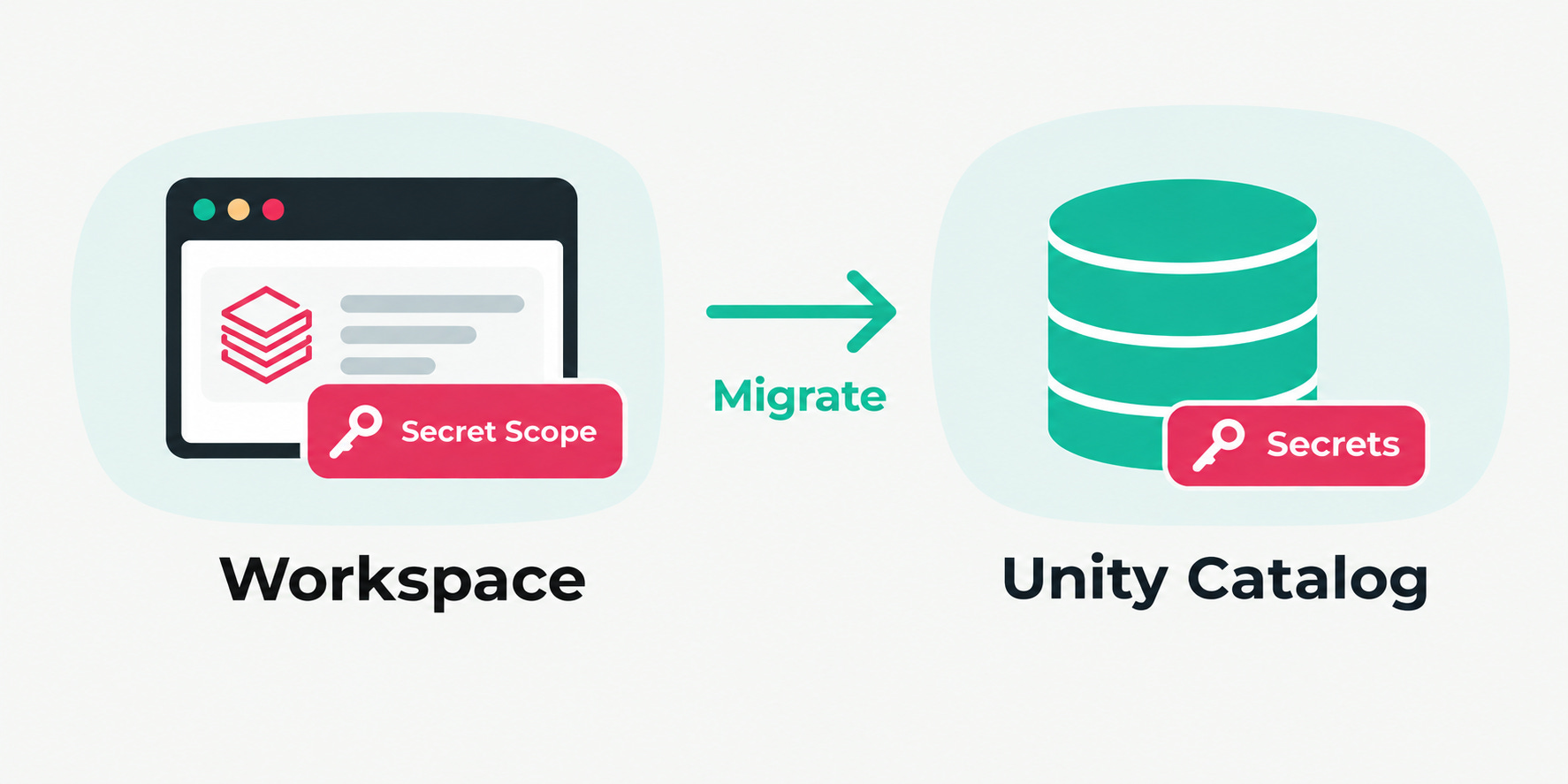
The secrets in Unity Catalog feature has been GA (generally available) since Aug 3, 2026. This gives the user a new way to manage secrets besides secret scopes. I think Databricks is moving in this direction because the classic secret scopes have some shortcomings (more on that later). Additionally, it makes sense that the secrets live near the data in Unity Catalog since many secrets will be used to access data via API or something similar and require authentication via token or secret.
With that in mind, the questions are: Is it worth migrating secrets from secret scopes to Unity Catalog secrets? What are the benefits? What could a migration path look like?
Unity Catalog secrets explained
Youssef Mrini (Developer Advocate at Databricks) from NextGenLakehouse does a very good job explaining what Unity Catalog secrets are and how they are used. Watch his seven minute video and you are up to speed with this feature.
Shortcomings of secret scopes
So if this triggered your interest and you are not about to start a greenfield Databricks project, you are probably asking yourself how you can get the secrets from the secret scopes into Unity Catalog. Before we dive into that, let’s take a look at secret scopes and their current shortcomings that are overcome by Unity Catalog secrets:
Secret scopes are bound to a workspace. If you want to use one secret across workspaces, you have to manage multiple secret scopes. Secrets in Unity Catalog are available in whichever workspace the catalog is available.
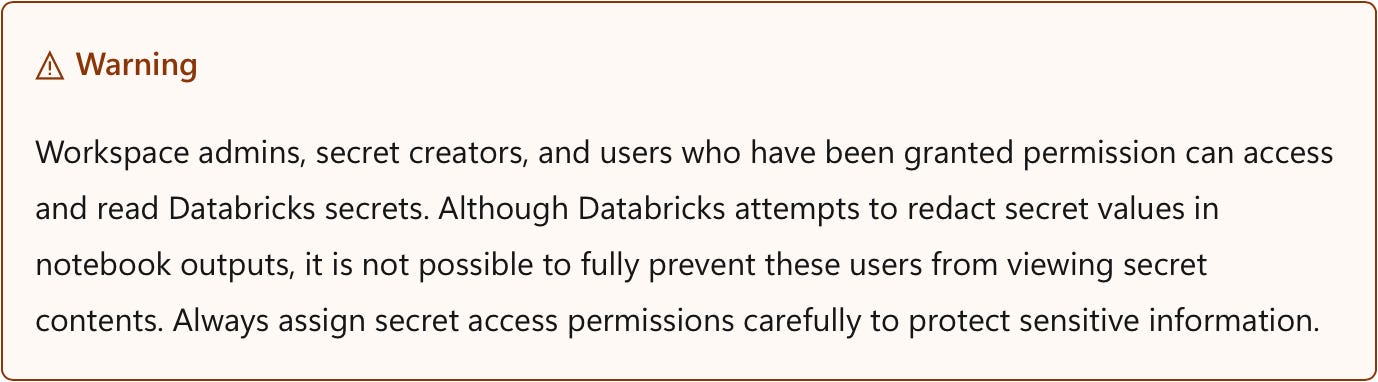
All workspace admins have access to all secret scopes. This could be a concern to security-sensitive people. Being an admin does not equal having access to everything, especially secrets.
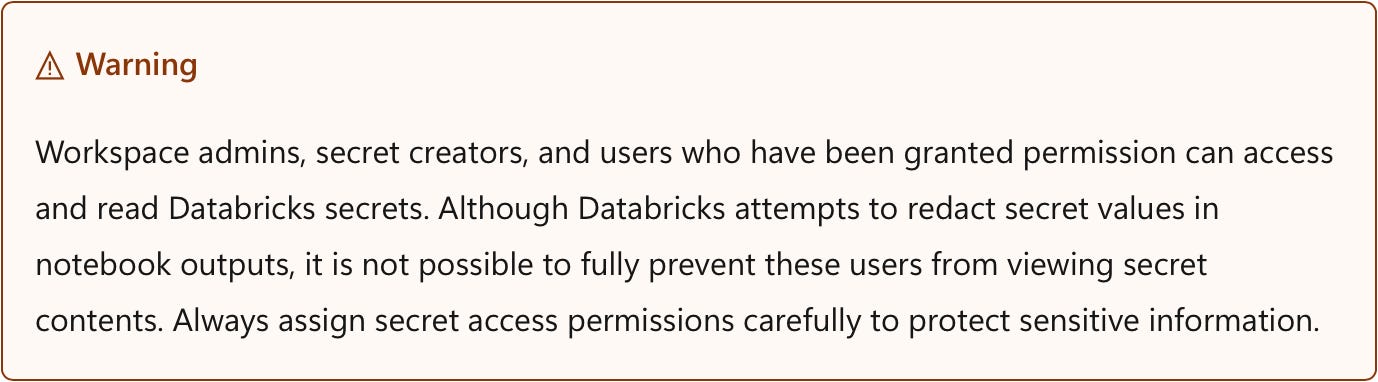
From the Azure Databricks documentation No granular permission control over secrets. Permissions can be set only at the scope level and cover READ, WRITE and MANAGE. There is no granular control over individual secrets.
Creating a secret scope and maintaining secrets is not user friendly. Creating secret scopes is done via CLI, API or a URL that is not reachable through a click path (
https://<databricks-instance>#secrets/createScope). Creating secrets can only be done via CLI, API or Terraform as well. All in all this is not very user-friendly. In Unity Catalog, secrets can be inspected and created comfortably in the UI while the programmatic ways of interacting with them stay there as well.
Migration path
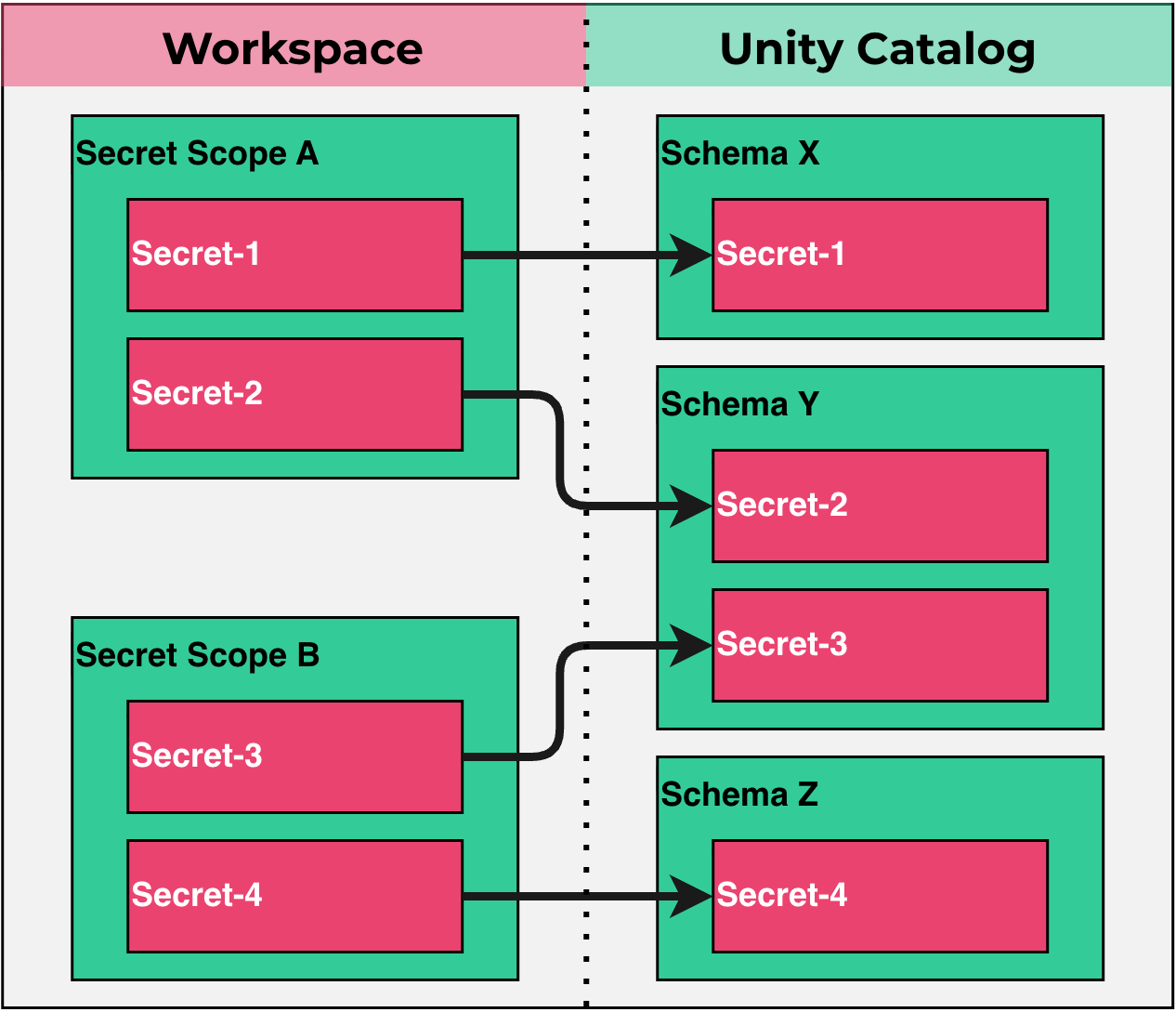
The basic idea is simple. You read every secret from its scope, write it to a Unity Catalog schema under a valid name, and check that it arrived intact. The accompanying repo packages this as two notebooks and one (example) YAML file. It can be run on Databricks Free Edition, so you can try it before you touch a production workspace.
Step 1: Map scopes to schemas
Secret scopes and Unity Catalog use different namespaces: scope/key on one side, catalog.schema.secret on the other. So before anything moves, you have to decide where each scope lands in Unity Catalog. One schema per scope is the obvious default. It’s also a good time to clean up: merge scopes that belong together and drop secrets that are not used anymore.
That decision is reflected in one file, mapping.yml. The legacy key goes in as the key and the Unity Catalog name as the value:
target_catalog: workspace

scopes:
  prod-jdbc:
    schema: prod_credentials
    keys:
      username: username
      password: password
      jdbc.url: jdbc_url          # dots are illegal in UC names

  legacy_etl:
    schema: etl_credentials
    delete_scope: true            # delete once every key above is verified
    keys:
      sftp_user: sftp_user
      SFTP_Password: sftp_password
To skip a key, leave it out. To skip a scope, leave out its block. You also don’t have to write the file by hand: the setup notebook lists every scope in the workspace and prints a starting mapping for you to edit.
Pay attention to the key names. Secret scopes accept characters that Unity Catalog names don’t. Dots aren’t allowed at all, so jdbc.url has to become jdbc_url. Hyphens are allowed, but then you need backticks in every GRANT. Normalizing the names is worth it, but it creates a quiet risk: api-key and api.key both become api_key, and one silently overwrites the other. The migration notebook checks for this and won’t run if two keys collide.

Step 2: Run the migration
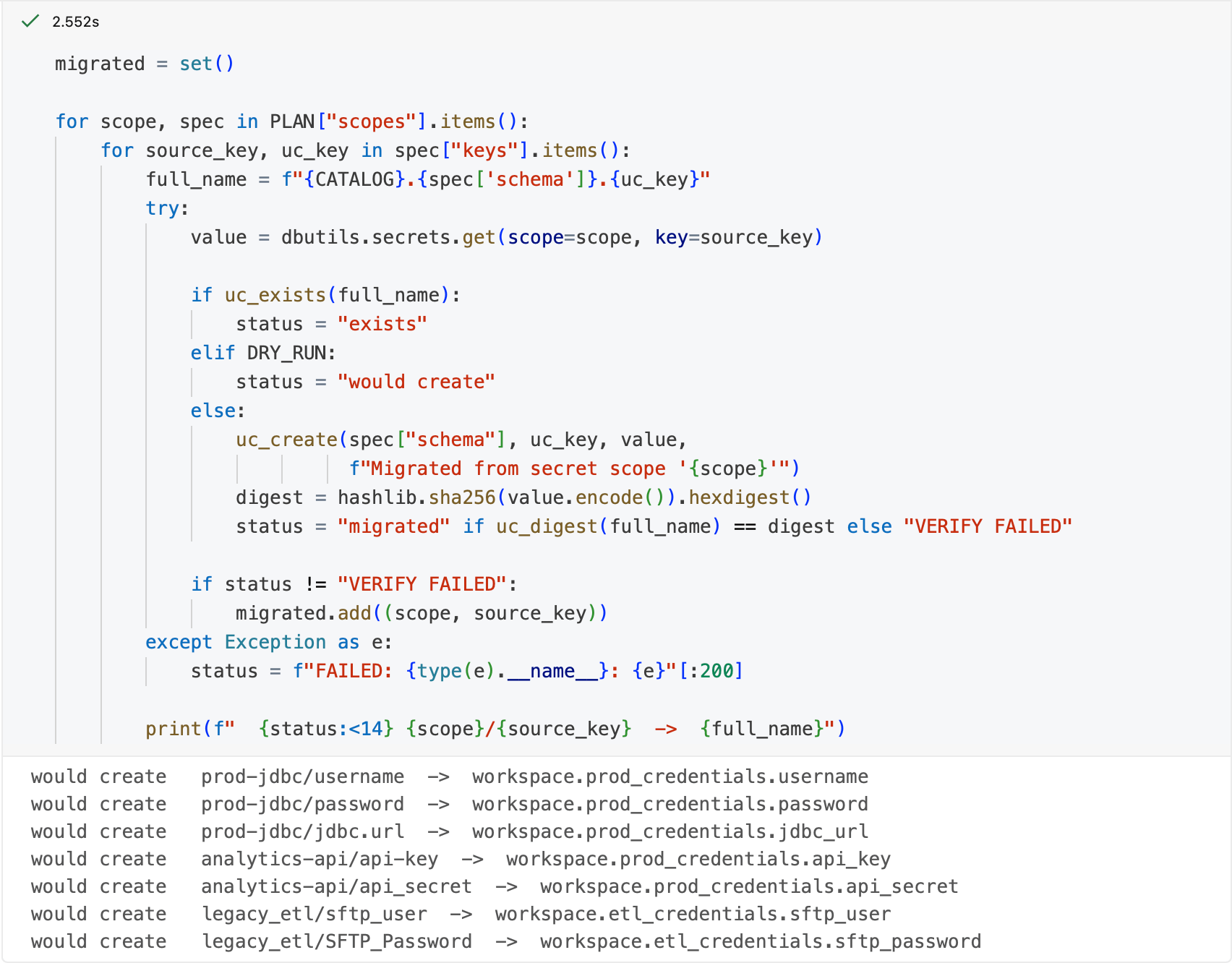
The migration notebook reads the mapping and does four things for each secret:
Reads the value from the scope.
Skips the secret if it already exists in Unity Catalog.
Creates the secret through the REST API.
Reads it back and compares SHA-256 hashes. The values never show up in the notebook output.
The first run is a dry run by default, which only prints what would happen. Once the output looks right, switch dry run to false and run again.
Why the REST API? There is no
CREATE SECRETin SQL anddbutilscan't write secrets, so creation has to go through the API. The read-back uses the API too, becausedbutils.secrets.get(catalog=..., schema=..., key=...)needs DBR 17.3 LTS+ or serverless environment version 4+. The API has no such requirement, so the migration runs on any compute. The jobs that use the secrets afterwards do need a recent runtime, though. Check that before you switch them over.
Here is the function to create UC secrets via APIs from the notebook in the repo:
def uc_create(schema, name, value, comment):
    r = requests.post(API, headers=w.config.authenticate(),
                      json={"catalog_name": CATALOG, "schema_name": schema,
                            "name": name, "value": value, "comment": comment})
    if not r.ok:
        raise RuntimeError(f"{r.status_code}: {r.text[:300]}")
You can also delete the old scopes, but only the ones marked delete_scope: true, and only once every key in the scope has been verified in Unity Catalog. The notebook fetches the key list fresh from the API before deleting. So a key you left out of the mapping, or one someone added after you wrote it, keeps the scope from being deleted. Deletion can’t be undone, so keep the scopes until every job reading from them has moved over and has been tested.
Step 3: Adjust permissions
This step is deliberately manual. Scope ACLs are READ, WRITE and MANAGE on a whole scope. Unity Catalog has READ SECRET, WRITE SECRET, CREATE SECRET and REFERENCE SECRET, enabling more granular control at the secret level. Plus, permissions are inherited through catalog and schema. The two permission models don’t line up one to one, and an automatic translation tends to grant more access than before, which undermines one of the main reasons to migrate. Read the old ACLs from GET /api/2.0/secrets/acls/list and write the grants yourself. This is also where you get the per-secret control that scopes never had:
GRANT READ SECRET ON SECRET workspace.prod_credentials.password TO `data-engineers`;Step 4: Update the consumers
The last step is a find-and-replace across your code:
# before
dbutils.secrets.get(scope="prod-jdbc", key="password")
# after
dbutils.secrets.get(catalog="workspace", schema="prod_credentials", key="password")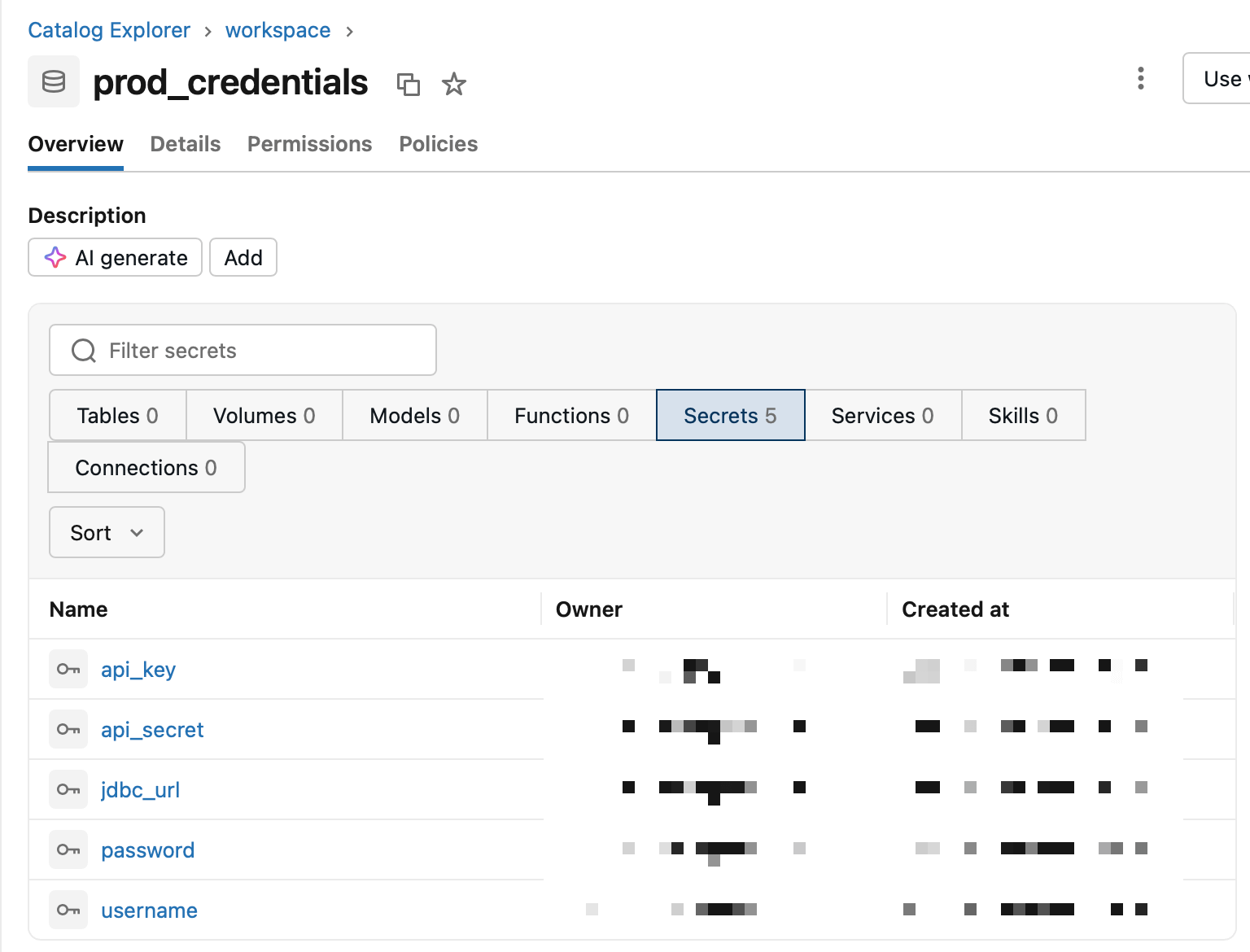
Limitations
Be aware that Unity Catalog secrets come with some limitations. Here are the most important ones:
Unity Catalog secrets don’t work on SQL warehouses or in init scripts, so those secrets have to stay in scopes.
They don’t show up in global search. You have to browse to the schema.
There are quotas: 100 secrets per schema and 1,000 per metastore. Larger organizations could hit the metastore limit.
The ability to sync external secret stores like Azure Key Vaults is still beta, but will hopefully be generally available soon.
The bottom line
Unity Catalog secrets are a clear step forward in how Databricks handles secrets. They are no longer bound to a workspace but travel with the catalog, they get real per-secret permissions, and they can finally be managed in the UI. For greenfield projects, I'd use them from day one unless one of the limitations above is a showstopper. For existing setups, migrating is worth it for most secrets, and with a reviewed mapping and verified copies it's a low-risk move. Secrets that feed SQL warehouses or init scripts stay in scopes for now.